

Govee RGBIC LED Strip Lights 16.4ft with Covers, Smart LED Lights for Bedroom Work with Alexa and Google Assistant, LED Diffuser Channel with Srtip Lights, Skirting Lines, Studio, Cabinet
$59.99
Related Products





From the brand


RGBIC LED Strip Lights
RGBIC LED Strip Lights
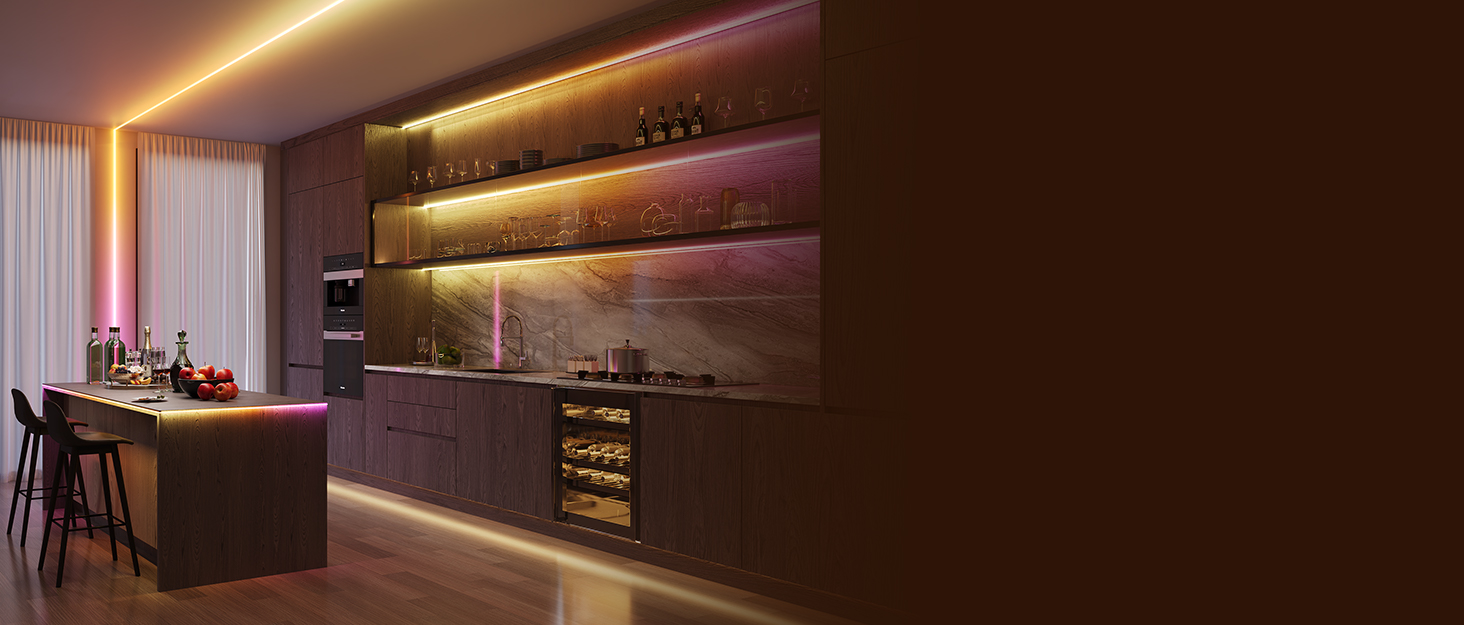
Softer Lighting Effects for Cooler Accents: Govee LED Strip Lights with Cover are designed with 60 LEDs/m to create softer, uniform, and spot-free lighting effects. Includes an LED Channel, making it ideal for decorative and accent lighting.
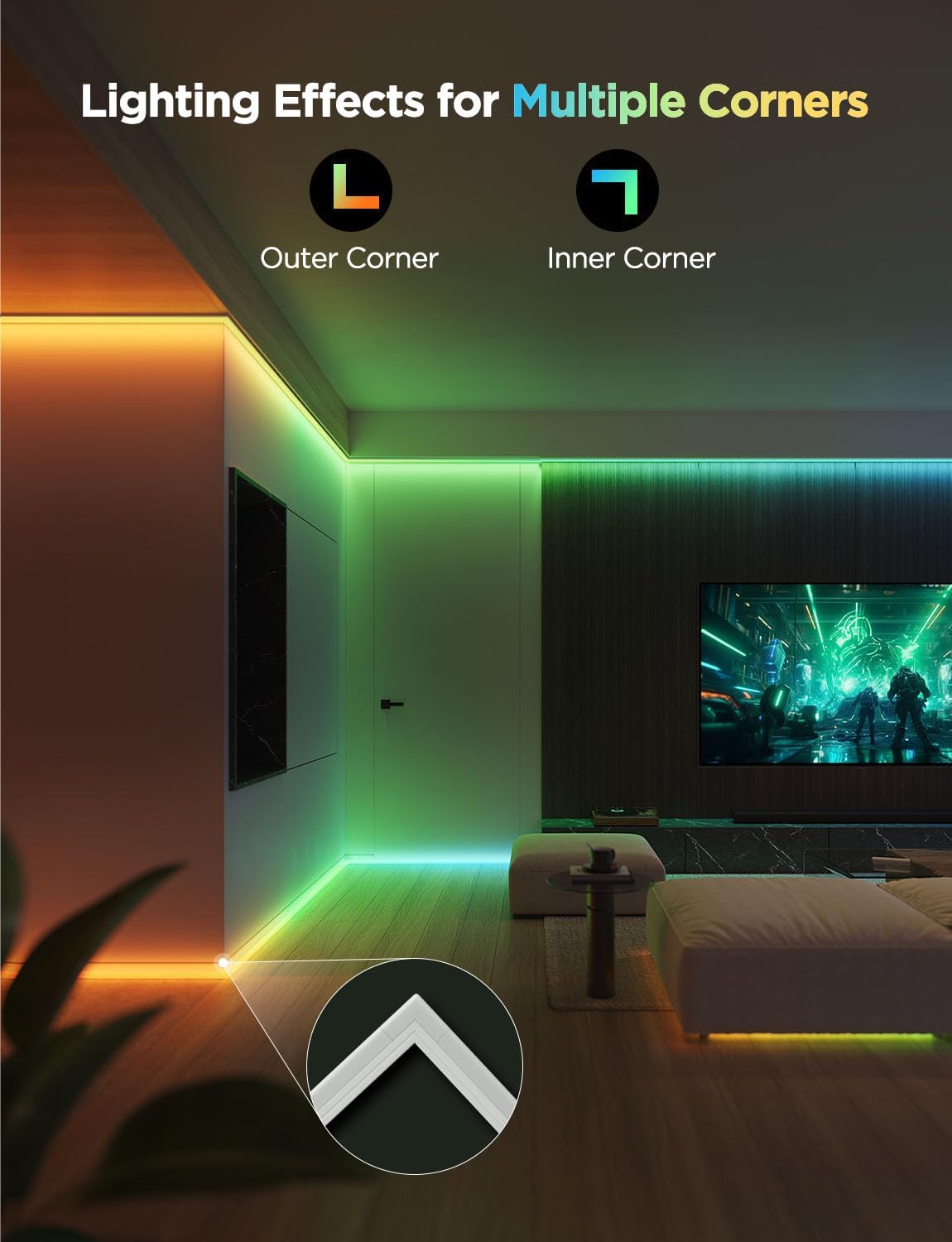
Set Along Inner and Outer Corners: The LED diffuser channel can be applied to skirting lines, ceilings, cabinets, party decor etc. Use the inside and outside corner pieces when applying to inner and outer corners for smoother lighting effects.
RGBIC Technology: Govee strip lights have 50 customizable segments for personalized color combos. 64 scene modes are ideal for holiday decorations. The endless color selection and party scene modes are great for indoor lighting.
Smart and Easy Control: Adjust brightness, scene modes, timers, and color temperature in Govee Home App via Wi-Fi and Bluetooth. This Govee LED Lights for Bedroom can also be voice-controlled after pairing with Alexa or Google Assistant.
Cuttable and Connectable: Customize the length you need to design your ideal lighting. The LED Lights can be cut or connected up to 32.8ft (10m). Follow the cutting and splicing instructions to ensure the LED strip lights continue functioning.
NOTE: This prodct is ideally used on smooth, clean, dry surfaces. And please pressing the adhesive for over 10 seconds to make sure that the adhesive achieves strong adhesion.
11 reviews for Govee RGBIC LED Strip Lights 16.4ft with Covers, Smart LED Lights for Bedroom Work with Alexa and Google Assistant, LED Diffuser Channel with Srtip Lights, Skirting Lines, Studio, Cabinet
Add a review

$59.99
PR –
Diffuser is awesome!
Note: We thought we were being smart choosing the16 ft because it’s $1/ft cheaper but you can only connect 2 of the 16 ft. Which means if the room needs 3 of them, you will have to run 2 plug/cords up the wall rather than one. Just something to consider. Really easy to install. Our 16 yo daughter installed them by herself. The only thing that was challenging was cutting the diffuser plastic. They should give a little extra. There is no extra for error so be careful. Govee quality is good. They are pricey and but not much more than other brands. Diffuser makes a great ambiance! App is easy to use and you can connect all 3 to operate together in the app.
Christopher Willey –
Great lights.
I used these as a toolbox hutch lighting solution, they are as bright as the 700$ + plus options from the big tool box manufacturers and are more aesthetically pleasing.
James –
Great Lights but pricey
The diffuser channels work good and the installation was straightforward. This kit makes everything simply plug and play. Connectivity to my iPhone and the app was easy, the light quality is great and it looks professional. However it was only enough to do half of a smaller room which left me feeling like I’d have to drop a lot of money to finish a room out in Govee equipment.The app gives you a lot of options for controlling the lights and setting up schedules. While I haven’t tried using a 3rd party app with them, it shows that it can be linked to apps like signal rgb and razer chroma. Would recommend if you want something done fast but I would attempt to wait til they go on sale.
jimmy –
10/10 lights. 11/10 customer service.
10/10. Bright lights, easy to install, love the customization. Once the covers are on its almost impossible to see the individual LEDs, it looks like one cohesive light. I was initially worried about being able to see the gaps between the sections. But they’re invisible after everything is installed, I love the look of the lights all along the baseboards.The configuration app can be a bit tricky to make full use of, but once you get the hang of it its pretty easy. I dont even have to turn the lights on myself anymore as they’re all connected to wifi and on timers. The app also let’s you configure different animations, colors, and patterns, that can all be triggered either based off a timer, from the app, or they also sell physical buttons and sensors that you can configure to change the lighting.Definitely a solid purchase, I’ll likely be buying more for the other rooms in my house. Govee is a solid company.Also a note on Govee’s customer support: When I recieved my unit, it worked for 2 hours then the power supply failed, must’ve been a fluke because all my Govee products till now have been super reliable. I contacted Govee customer service, they were extremely polite and responded quickly. They asked me to do basic troubleshooting steps, and within 2 hours of initially contacting them they said they were just going to mail me an entire new unit, didnt even try to make me mail back the old unit. The replacement arrived within a couple days.11/10, by far the best customer service experience I’ve had with any company. I never write reviews, but their customer service was so good I just had to say something about it.
Amazon Customer –
AWESOME PRODUCT! – Installation Notes
We recently bought Govee’s LED strip lights with the diffuser channel (the frosted plastic cover inside the plastic rail), and it’s AWESOME!!!!. We’ve had great experiences with Govee products in the past, and this felt like the best option on the market. Huge kudos to Govee’s engineers for how well thought out this system is, especially the way the LED strips clip cleanly into the rail and providing precut 45 degree rail pieces (and corners) for the corners (details below).We installed the lights along the ceiling line of a room. To fit our space, we purchased both the 16’ and 32’ kits. In hindsight, we were very glad we chose the longer 16’ option instead of the 9’. Having extra pieces gave us peace of mind in case something broke or needed reworking during installation.Differences between the 16’ and 32’ kits:They use the same technology, but differ in length and model number. The 16’ kit currently has access (through the app) to Govee’s “Share Spaces” feature, which lets you browse and “User community” created lighting setups. We also noticed the 16’ kit came with longer adhesive strips, which in our opinion were better (see attached photo).A few helpful installation notes:• Pick a corner near power and start there. Spend a little time planning the layout.• The YouTube channel “ChrisMaherDIY” was incredibly helpful for seeing the unboxing and basic installation before starting.• Take time to familiarize yourself with everything in the box before you begin. The video above helps identify what each piece is.• For corners, Govee includes 8 pre-cut 45° rails per box for corners (4 inner and 4 outer bends).• Each kit (both 16’ and 32’) includes 8 corner attachments for the frosted plastic covers. (4 inner and 4 outer bends).• Practice sliding the frosted cover into the rail before you’re up on a ladder. It’s not hard, but it’s annoying to figure out overhead.• While there’s no physical way to connect the 16’ and 32’ kits together, if you create a “room” in the app and add both sets, they sync automatically. This was a pleasant surprise.• If you’re installing right along the ceiling line and have textured or popcorn ceilings, leave a tiny gap between the ceiling and the rail. This mainly affects the start and end caps.• Cutting pieces: Regular scissors and wire cutters don’t work. Ideally, use a miter saw or a Dremel. If you don’t have those (I didn’t), straight tin snips (yellow handle) or “Fiskars Pro PowerArc Shop Shears” work. I used tin snips for both the rails and frosted plastic. The cuts lines weren’t perfect, but they worked. In hindsight, the Fiskars shears would’ve given cleaner, straighter cuts.• Adhesion: In some spots, the rails didn’t stick well, even after cleaning the wall. The spare pieces with longer adhesive helped, but a few sections needed extra support. “Scotch Removable Clear Double-Sided Mounting Squares” worked well with a little trimming of the tape.• If the rails aren’t perfectly straight, don’t stress. Once the frosted cover is installed, it hides and straightens minor imperfections, especially when spanning two rail pieces.• When cutting the frosted covers, measure twice and cut once. I ended up with a few tiny gaps that were barely noticeable (mostly because I knew where to look). This was due to using tin snips and not getting perfectly straight cuts.• This install is definitely easier with two people. One person can hold, align, or slide pieces while the other measures, cuts, or presses the rails in place. It saves time and frustration, especially around corners.• If you have furniture that’s hard to move and you’re leaning awkwardly to deal with corners: instead of trying to custom-cut the frosted plastic right there, slide the full-length cover pieces toward the corner. That way, the section that needs the custom cut ends up in front of a more accessible part of the wall, making measuring and cutting much easier.• The power button/control module is about 18” from the end of the LED strip. To keep the cable looking clean against the wall (or in a corner, closer to a power outlet in our case), we used a simple cord hider, which made a big visual difference.Overall, this is an AWESOME product with thoughtful design. Installation takes some patience (took us about 3-4 hours to do a 12’x10’ room), but the end result is absolutely worth it. Hopefully these tips help make your install smoother than ours.
Hoose –
Amazing!
These Govee RGBIC LED strip lights are a great addition to any room. The colors are bright and vibrant, and the included covers give a smooth, modern look without visible LED dots. Setup was easy, and the Govee Home app makes controlling colors, effects, and schedules simple. I especially love the multi-color modes and how they sync to music.The adhesive could be stronger on some surfaces, so plan to use extra tape or clips if needed. Overall, great value for the length and features — perfect for mood lighting behind TVs, desks, or in bedrooms!
Andrew muccillo –
These Govee RGBIC strip lights are awesome. Super bright, tons of color options, and the covers make them look really clean and professional once installed. The app is easy to use and the effects are fun to play with. Adhesive stuck well too. Great way to upgrade a room without much effort.
Chad Rogers –
Although these LEDS are on the pricier side, it isn’t hard to understand why given the quality of the kit. They are super bright while have many light patterns to choose from. The hardware to install and diffuse the light is well made and easy enough to install. My only real issue is not knowing where to install the light strip in order to get the most out of them 🙂
kenmasters –
Such an excellent kit. Govee is definitely consumer oriented and easy to install. The app is easy to use and has more features than one could dream of.I gave it 4 stars because it does require cutting to custom fit and have tidy ends. I have fluted slat walls and these do not fit in between the panels. Also, the system is not symmetrical.. what that means is there are sides that show less light and a back side that is opaque. The corner pieces appear to be designed to allow you to make 90 degree angles against wall edges and corners only… you can’t go up the middle of the wall without exposing one of the asymmetric sides.
Mat –
As with all other Govee products I’ve tried, these are very high quality and work great. I have them synched up to all my other Govee lights which are synched up to my PC screen, making my whole gaming room very immersive. I just realized this sounds like an ad, but I don’t even care. lol
Paul S –
The strip lights themselves are nothing special. However, with the diffuser for the lights, the vibrancy of colour is great. The plastic is easy to cut if you need to trim and go around corners. (Simple $5-10 hacksaw) The clips to hold the striplight in place in the diffuser are great. There are more than enough to support and hold the lights. My mistake was putting up the channels without measuring it out to where you can cut the light strip. It integrated with my Google home very easily. I can use Google home to change colors, brightness, etc. This is my 3rd Govee Product. 10/10 recommend.