

Smart Hub Compatible with Alexa/Google Home, Make Remote Control Blinds to Be Smart, Motorized Blinds Hub, Smart Bridge Work with Tuya App
$33.99
Related Products


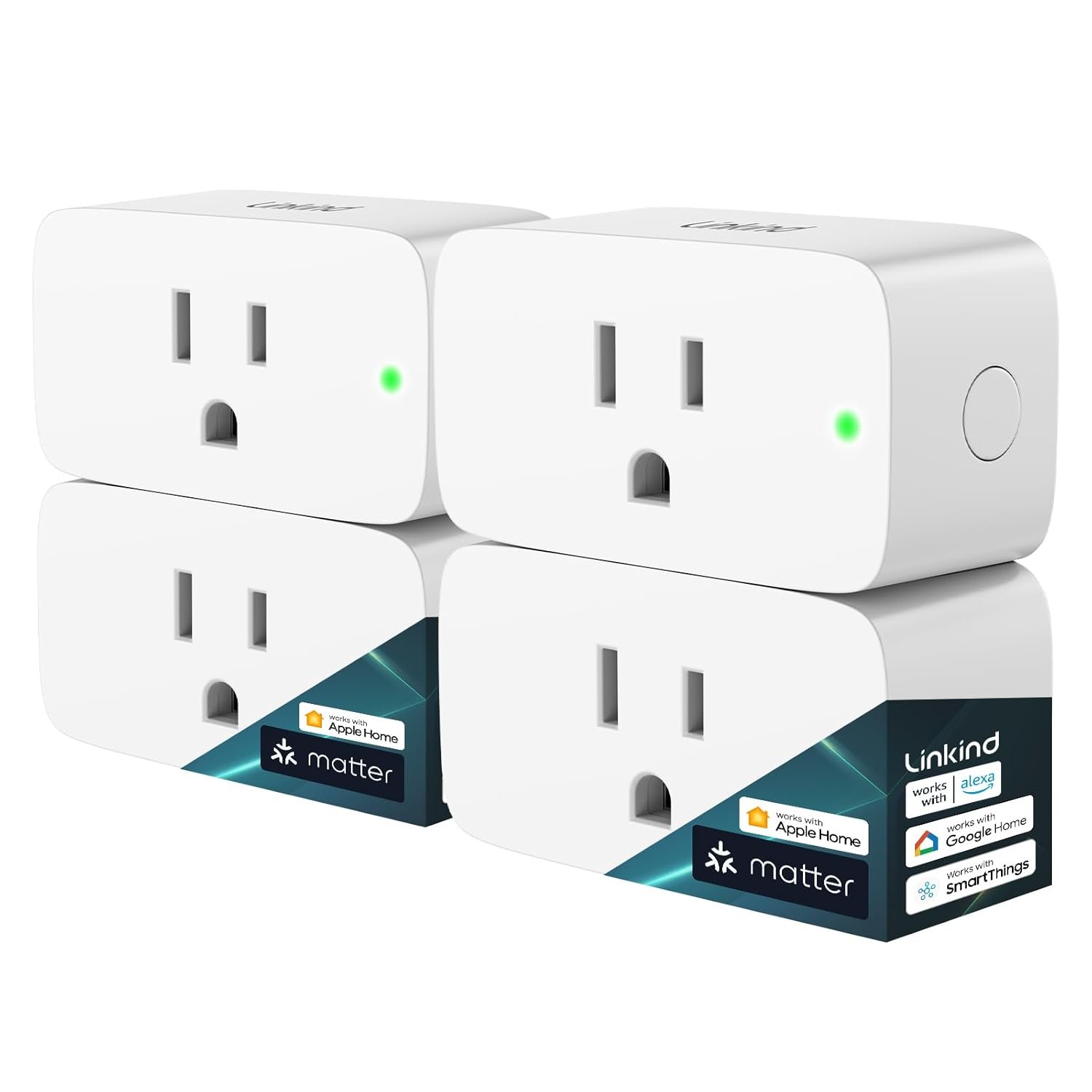


Smart Hub
VOICE CONTROL VIA ALEXA & GOOGLE ASSISTANT: This smart bridge is compatible with Alexa & Google Assistant to achieve voice control. First, it has to connect with Blinds & Shades, then with Alexa or Google Assistant. Ta-da~ your blinds/ shades are smart from now on. When you are lazy to raise or lower your blinds/ shades, there is someone who can do it for you with a command.
APP CONTROL: You can also control the blinds/ shades through your cell, and it’s also very easy. First of all, download Tuya APP first, and connect it with the hub. Then connect the hub with your blinds. You can control the blinds/ shades wherever you are, even when you are not at home. It avoids the hassle of Alexa & Google Assistant not hearing the commands or the hassle of not finding the remote.
EASY TO SET UP: No matter voice control or cell control, they are very simple, pretty much like plug and play Install. Just insert the hub into the USB interface and switch on, connect to Tuya App Alexa & Google Assistant, and it will search the blinds / shades automatically. It’s super convenient and can save you plenty of time.
POWERFUL CONTROL : A tiny home automation hub has huge power. It can control up to 30 blinds/ shades at a time. To avoid control failure due to the obstruction of walls, we recommend one hub each room to get a better effort. And this is a WiFi bridge. Therefore WIFI connection is necessary.
AFTERSALE SERVICE: We are a reliable company with years of experience. Our mission is giving you a remarkable shopping experience. If there is any doubt, please leave a message, and we will reach you as soon as possible.
9 reviews for Smart Hub Compatible with Alexa/Google Home, Make Remote Control Blinds to Be Smart, Motorized Blinds Hub, Smart Bridge Work with Tuya App
Add a review

$33.99
Evan –
Literally does not work at all, in multiple ways. Do not buy. NO SUPPORT.
At first I thought it was completely broken because there was no light when I plugged it in to my USB adapter. I thought maybe the voltage was wrong, since it did not come with it’s own adapter, so I looked at the specs. They were correct. Then I decided to see if just the LED was broken and it was on. It was, the app found it, and I paired the hub just fine.And that is where the functionality ended. I used this to control the same citolen blinds I purchased with it, and it cannot find them. I hold the button to pair the blinds, it lasts for 60s pairing mode. And in those 60 seconds nothing happens. It never shows up in the app, never is detected. But the remote works, and the remote uses 2.4ghz wifi, so I know this is not an IR/line of sight issue. Hell if it was IR I could use a universal remote replicator to solve this, but no. I have to use their hub. Which does not work.I tried contacting support on Amazon and through the Citolen website, and neither went anywhere. Told to return it, needed packaging, oh well, guess you can’t return it if the packaging is gone.Absolute trash, does not work, no support offered. DO NOT BUY.
Johannes –
Works for my blinds
Works. Followed instructions in box and at somepoint followed the pairing guide in the Tuya app when asked.When creating routines via Alexa I suggest putting a delay in between each blind interaction. Seems like if all blinds are controlled at once via this hub, some blinds don’t respond to the signal in time.
Momma B –
Difficult to get working, read my review.
I purchased, this SmartHub Control to operate 5 blinds in same room. The blinds operate good with the remotes, however not as well with this SmartHub. Pairing the 5 blinds with SmartHub controller wasn’t a problem neither was setting up a program in the App. However, the App/SmartHub Control doesn’t always work. Sometimes the blinds will operate and sometimes they will not. Using the SmartHub App I have my blinds automatically opening in the morning and closing in the evening. Sometimes all five blinds operate and sometimes only some and it is totally random, which one’s will work or not work. I have gotten the App/SmartHub Control to work much better, so I’ll share what I did in the automation section of the app. I simply put multiple commands in one automation program.Here is a step by step Example;1. Give a command to close all five blinds. (This is a tap-to-run task within the app.)2. Pause 5 seconds3. Give another command to close only blind #1.4. Pause 2 seconds5. Give another command to close only blind #1.6. Pause 2 seconds7. Give another command to close only blind #1.8. Then I repeat steps 2 through 7 for each of the other 4 blinds.This automation program takes a while to set up, but it works almost 100% of the time.I only gave this SmartHub 2 stars because it simply didn’t work well but if you’re willing to take time to set up the program like I have done, I can recommend it.Good luck!
David –
Controls my blinds from 25 ft away in another room
I was a bit worried after reading some reviews but it turned out great. It came in a nice package unlike another brand I bought for similar price. It looks to be good quality. Instructions are clear and easy to follow. Tuya app seems great as well, and I quickly linked it to Alexa and Google Home. To my surprise, it adds commands to Siri even though the manual doesn’t mention Apple compatible. Another huge bonus for me is it shows up on my Apple Watch with easy to use interface. That’s now my favorite way to control especially when I want to be quiet.What’s also important to me is the wireless range because I plan to change other rooms with smart blinds as well. I tried various locations within 30 feet radius and they all seem to work fine.One minor issue is occasionally (<10%) the command doesn't get through to a blind. But I don't think it's the smart hub issue because the remotes that came with blinds have the same issue. It feels the wireless controller in the blind might miss commands every now and then. The smart hub and Tuya app actually offer a workaround. I set up tap-and-run commands to repeat the open/close/stop a couple of times and that seems to solve the problem.Overall, very satisfied with the smart hub and Citolen blinds. I plan to upgrade more windows.
Francois –
Failed after 3 weeks of installation
Failed after 3 weeks of installation, incapable to connect to the blind, making the blind useless for automation.
ShoMaXx –
Very weak signal transmission!
The antenna on this device is very underpowered. The blinds often recieve no signal at all. Thus they do not open. All my automation settings on Smart Life and Google are virtually useless. The blinds also vey mediocare antennas, but I get much better results with the 15 Channel remote.
Dustin J Haynes –
Not great for controlling multiple blinds at once
Doesn’t always work. It will open one blind or 2 or 3 or none. It’s always different very sporadic.
Krstnj –
Perfect fit.
I’ve been slowly building out my smart home setup over the past year, and the CITOLEN Smart Hub has been the missing link that ties everything together seamlessly. Compatible with both Alexa and Google Home, it connected to my Echo Dot and Nest Hub in under 5 minutes via the app – no hubs, no fuss, just plug-and-play bliss.The hub’s compact design tucks away nicely on my shelf, and the Wi-Fi stability is rock-solid – no dropouts during movie nights or when I’m away on trips. Setup was idiot-proof with QR code scanning, and the app’s automation options are surprisingly powerful for the price. Battery backups kept it humming through a power blip last week. If you’re dipping your toes into a unified smart ecosystem without breaking the bank, this is a no-brainer. CITOLEN delivered big time – my home feels like the future!
Sa Lang Ham –
I couldn’t get the blinds to connect because the app kept freezing on the ‘match guide’ page. I tried a bunch of different OS and Tuya app versions, but nothing worked.Then I realised they had a different Tuya app for mainland China. I remembered how years ago, my Xiaomi camera only worked with the Chinese app. So I found and downloaded that version, and luckily, the whole app was in English, and that’s how I finally got the blinds set up! Just like another review here, by setting up scenes and conditions, I have them opening in the morning and closing when I leave for work. Google and Alexa won’t link up with the Chinese Tuya app though. CITOLEN and Tuya really need to either fix the global app or just give us updated instructions on using the Chinese version, and stop mentioning Google Home or Alexa links.