

Arlo Pro SmartHub, Arlo Certified Accessory – Connects Cameras to Wi-Fi, Works with: Essential (1/2/3/3 XL, Pro 5S/6/6 XL, Ultra Cameras, Floodlight, Video Doorbell Cameras
$9.99
Related Products




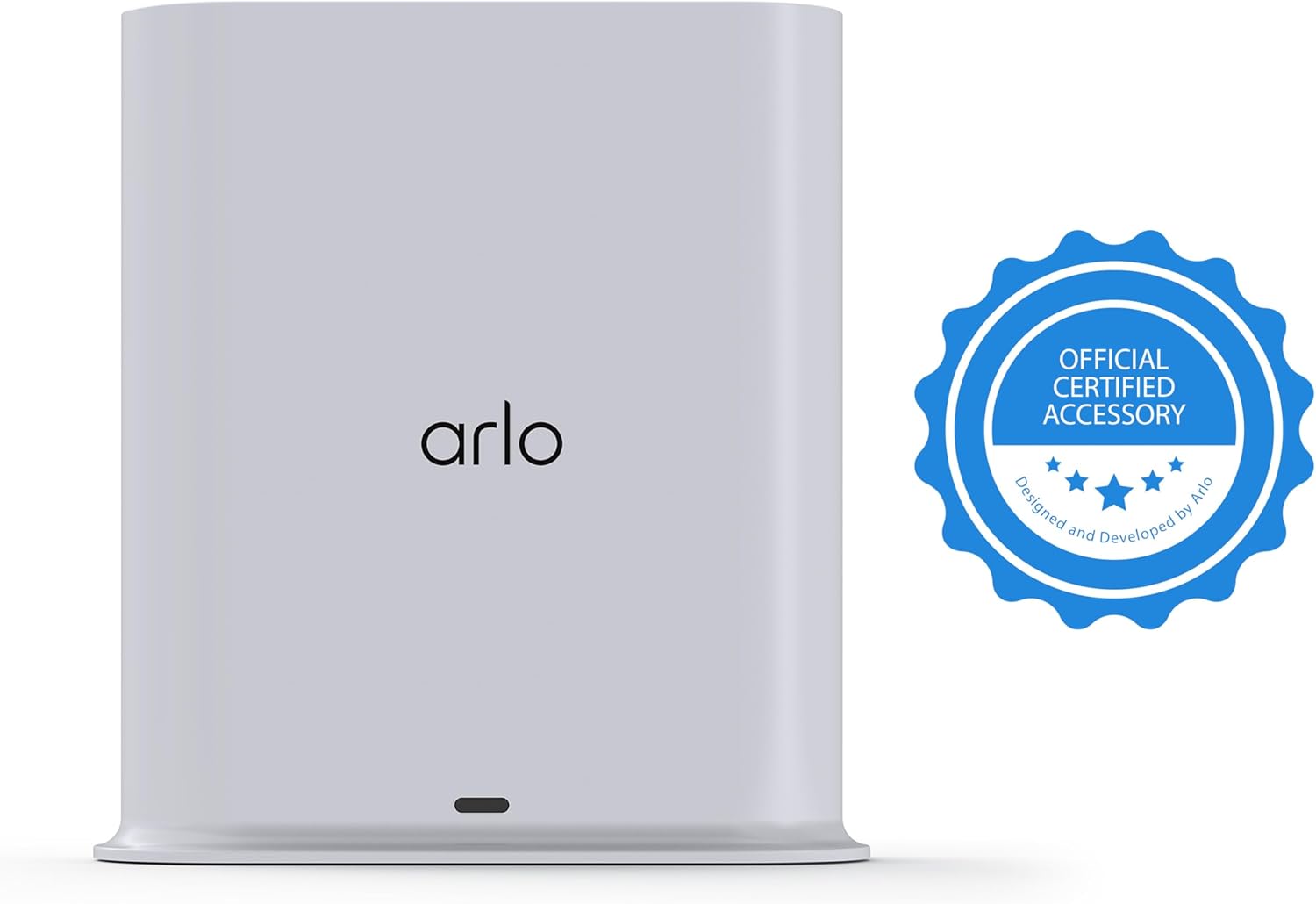


The Arlo Pro SmartHub securely connects your Arlo cameras to the Internet via your home router, while providing long range connectivity and better battery life for your cameras.Features include Wi-Fi (2.4GHz), Zwave, ZigBee, and ArloRF ready, local backup, smart siren and expanded coverage through additional base stations.
The smart hub will provide long range connectivity for your cameras.
Features included Wi-Fi 2.4 GHz, Wave. Zigbee, and ardor Ready, local backup, smart siren and expanded coverage through additional base stations.
Connect a USB Type A to the Smart Hub for local video backup.
Setup & Dual-Band Wi-Fi: Setting up your camera is easy using the 2.4GHz band. If you have a 5GHz network your router is likely dual-band & will have a 2.4GHz network running. Once connected, the device will automatically switch to the stronger band.
What’s in the Box: (1) SmartHub, (1) Power Adapter, (1) Ethernet Cable, (1) Quick Start Guide, and (1) Arlo Window Decal
Arlo certified accessory – designed and developed by Arlo.
Works with: Essential (1/2/3/3 XL, Pro 5S/6/6 XL, Ultra Cameras, Floodlight, Video Doorbell Cameras.
13 reviews for Arlo Pro SmartHub, Arlo Certified Accessory – Connects Cameras to Wi-Fi, Works with: Essential (1/2/3/3 XL, Pro 5S/6/6 XL, Ultra Cameras, Floodlight, Video Doorbell Cameras
Add a review

$9.99
Amazon Customer –
Works great
Had to reset twice but once the 3 cameras were picked up by the hub they work great! So good in fact I had to tweak the settings and turn off motion and just leave on person, package, animals, entry and now the notifications are more manageable. Low cost and reliable system and I would definitely recommend.
jose vazquez –
Almacenamiento Arlo.
Por el momento y hasta el momento funciona perfecto.
John Bange –
New version of Arlo app doesn’t support local video playback
OK, so the purposes of this hub are twofold: one, to act as a wifi hub so the cameras aren’t on your “regular” wifi, and two, to record motion events locally so you’re not dependent on the Arlo cloud service. Well, it does the first one fine. The second, however, has been rendered ineffective by Arlo in their latest app update.The current app is actually TWO apps rolled into one. If you have any newer Arlo hardware, it forces you to “upgrade” to the new app because the old app isn’t compatible. The new app is apparently incompatible with a few of the very oldest Arlo cameras, but that’s not unexpected. The new app has a a screen called the “feed”. This is where all the latest events show up, such a motion detection by your cameras, home/away mode changes, etc. The problem with the Arlo hub is, it USED TO have motion events show up there, but Arlo changed the app so they only show video motion events that are in *cloud storage with Arlo*. Cloud storage costs $7 per camera per month. Oh, you can *access* the hub stored videos, if you’re the account owner only, if you go three levels into the hub settings screen, and you know which video you want by time stamp because there’s no thumbnails, and you’re willing to download the video file to your phone and watch it on your phone’s video player. Alternately, you can pull the USB thumb drive out of the hub and insert it into a computer and view the files that way.The practical upshot is, Arlo nerfed the main functionality of the app with the hub because they want you to be paying a monthly fee. The fact that this renders the hub little more than a cheap wifi hub with local video backup rather than a useful part of the video surveillance system apparently does not concern Arlo. In fact, they are so unconcerned that they continue to sell this $100 box that DOESN’T WORK WITH THEIR APP ECOSYSTEM, because I guess they had a lot of them manufactured and can only get rid of them by pretending they still work with their new app mode?The worst part is, whether the app starts up in the “old” mode or the “new” mode is stored in your user account configuration on Arlo’s servers, so once you upgrade to this newer app mode, there is no way to go back. Even downloading an old version of the app that doesn’t HAVE the new version rolled into it doesn’t work, because it simply won’t let you log in. If you’re using the old version now and don’t upgrade, this hub will probably work fine for you. At least it’ll work fine FOR NOW. At some point you know Arlo will force people into the new app ecosystem in order to push their monthly cloud service, and at that point, the hub will be pointless.
Ruth Gentry –
smart hub
The vmb4540 is not clearly defined: videos do not work on a PC, only on an adroid app; the information stated it would work. Adding that feature of viewing local storage on a PC would be belpful. Our understanding was also that cloud viewing would be available without a subscription for 1 year…that’s inaccurate. A lot of the information about subscription is confusing.
Sally Chen Armstrong –
Offline is a concern
I bought two Arlo Pro SmartHubs, one purchased in February 2025 and another in July 2025 to cover two separate areas. One performs well, never miss a camera trigger; but the other one frequently goes offline and needs to be restarted. I don’t think it is WiFi related because all connections are Ethernet, no WiFi outage incidents. It could be that the one works well is directly plugged into the router, while the offline one is plugged into a Netgear Gigabit Switch that’s plugged into the router; whether this is an issue is unknown. I am going to upgraded the Ethernet wire to see if it will make a difference. I found the camera images have a few seconds of delay popping up into the app, but it’s only a timing difference, not a missed catching the moment issue. Overall, the cameras are amazing, especially the older versions such as Arlo and Arlo Pro versions; I run into problems of loud noises and over exposures with the essential cameras.
NativeSon_FL –
Easy Programming
Recently my Arlo Pro2 system stopped working. Before buying a completely new system, I wanted to try replacing the SmartHub. It was easy to connect and program to my wifi, and then link my existing cameras to the SmartHub. The unit has a single light that is either blue or red, clearly indicating whether it is connected and operational, not like the original SmartHub that had three green lights. Definitely a more user-friendly upgrade.
PLee –
This product was difficult to set up.
I received this in January, but did not take it out of the box until this week because I am finally back in my house after being flooded out last year. Please note, I had an Arlo security base station (destroyed in flood) and cameras working before the flood, so I am not unfamiliar with how to set up. I have followed directions to set this up. Read and re-read the instructions on the website, youtube videos, etc. base station was “undiscoverable” by the app for hours and days. But then it finally worked. This is only getting 3 stars because I am not sure how long it will work since it was so difficult to set up.
Alexander –
Offline access needed?
– To properly use the offline access, setup a Home VPN tunnel to access remotely from your home.- This might require a higher-end router like Asus to setup, but establishing a WireGuard VPN connection makes it possible to remotely pull footage from this device- Remember, this is to avoid paying for cloud storage, so you need some kind of remote capabilities then you need a VPN into your home.- To setup and pair, you press both buttons on camera and dock. This has its own separated wireless connection for pulling dedicated footage from Arlo cameras.
Centrepeb –
Pas conforme pour l’Europe, prise non compatible…
gt thomson –
This hub, like all the other Arlo equipment, and I have it all, work really well, but customer service is useless. On the other hand, when for some reason, it doesn’t work properly, just unplug it and plug it back in 10 minutes later.
Cliente de Amazon –
En un inicio lo adquirí solamente para que una mis cámaras Ultra pudiera funcionar, pero ha funcionado mejor de lo que esperé, me ha ayudado a que en las demás cámaras ( Arlo 4 ) pueda sacarles todo el provecho, pues ahora tengo transmisión en 2K en vivo, además de que el tiempo de respuesta de las cámaras mejoró muchísimo
H.I –
Works very well so far.. No issues what so ever.
Renan –
Tengo 4 cámaras ARLO Essencial y mejoró bastante la velocidad de respuesta de las cámaras. La imagen tardaba mucho en llegar a mi celular y eso ya se corrigió. Graba en el USB muy bien aún cuando no estoy dentro de Estados Unidos. Lo único que no he podido corregir es que no puedo visualizar los videos grabados si no estoy en casa. No sé cómo corregirlo.